Normal Map Aseprite
A downloadable tool
Normal Map Creator
==================
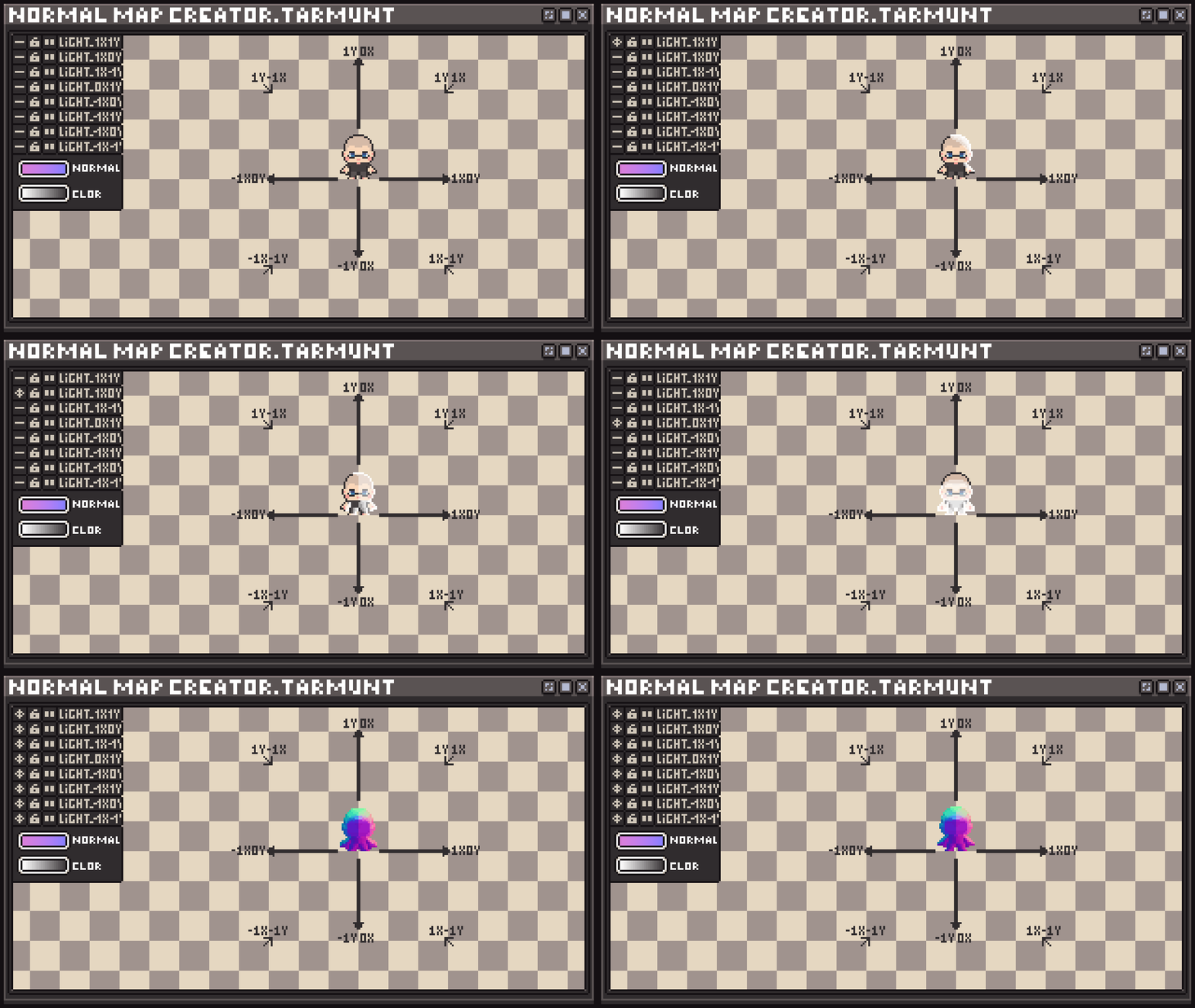
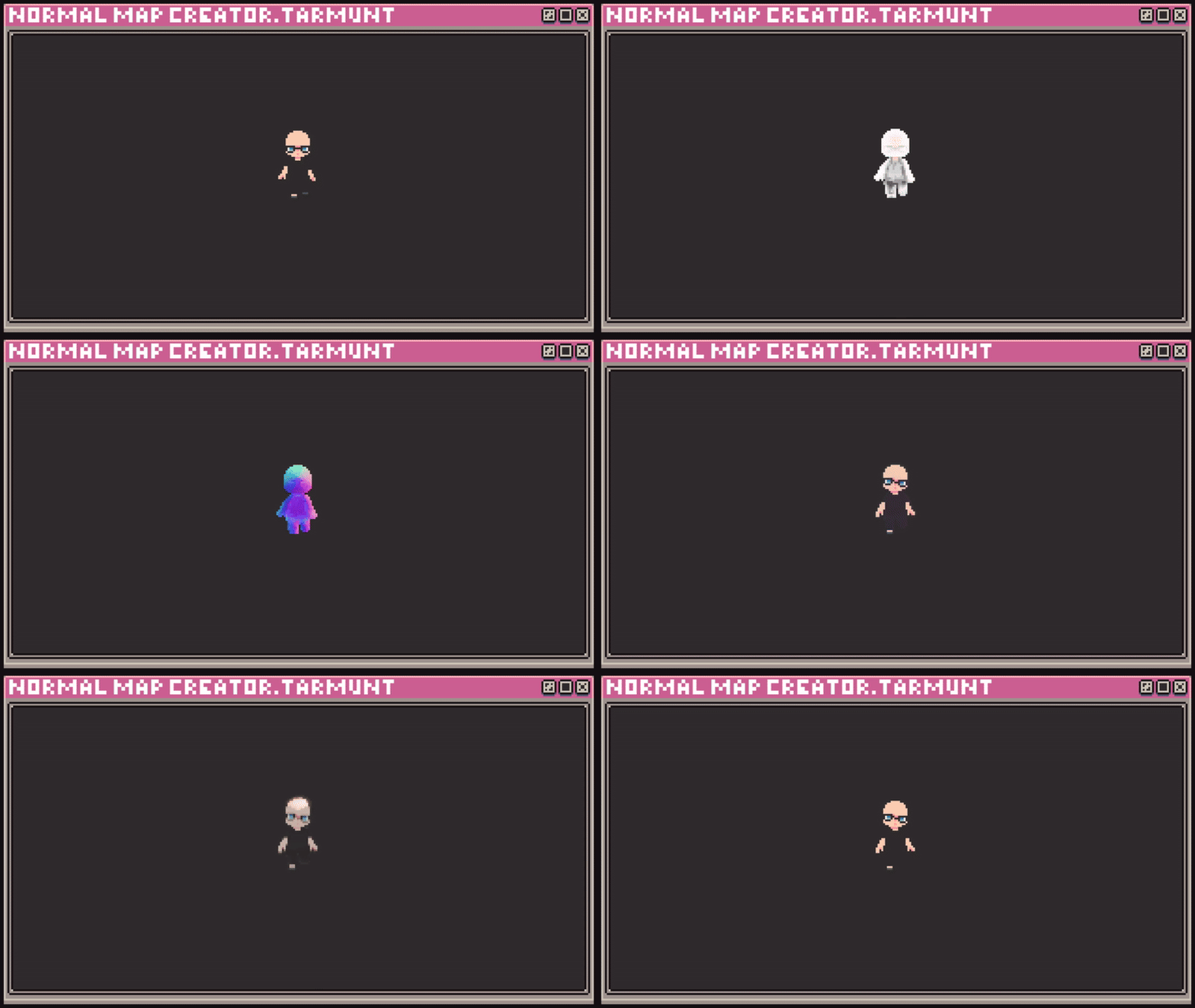
A lightweight Lua script for Aseprite that generates normal maps from directional light layers directly inside your sprite project.
Create light layers for 8 directions, paint brightness for each light,and the script will automatically calculate per-pixel normals.
My social networks:
X: https://x.com/TarMunt
Telrgram: https://t.me/TarmuntPixelArt
If you enjoy this tool and want to support my work, you can do it here: https://boosty.to/tarmunt
Download
Install instructions
Installation
1. Download the archive and extract the folder "NormalMapCreator" into:
Windows: C:\Users\<YourName>\AppData\Roaming\Aseprite\scripts
macOS:~/Library/Application Support/Aseprite/scripts
Linux: ~/.config/aseprite/scripts
2. Restart Aseprite.
3. Run the script via: File → Scripts → NormalMapCreator

Comments
Log in with itch.io to leave a comment.
Is there supposed to be a UI for this or am I meant to manually draw the lighting from each direction? I'm slightly (completely) lost on how to actually use this.
You need to draw everything manually on each side, on each frame, to get the correct feature normal map for pixel graphics. The color saturation level affects how much the pixel is rotated, in other words, it works from the alpha channel. If you want to make a detailed map of the object's normals, then I advise you to set it to 20-40% transparency.
Ok that makes sense. Do we basically just draw the parts we want highlighted in white like in your gif that shows all the layers?